Video Tutorials & Guides
Step-by-step walkthroughs, feature demos, and setup guides to help you get the most out of GSM Tool V2.
Subscribe on YouTube15 videos in total
GSM Tool v2 - Connect to DHRU Reseller API
How to connect and synchronize the API services

GSM Tool v2 - Upload Banners and Sort the Banners Ordering
A step by step detailed video on how to upload a new Banner to the website and set which banner will show first
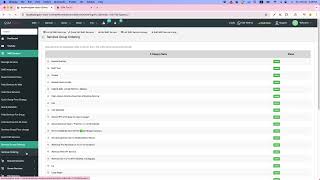
Services Group and Services Ordering can't get any easier
This video shows you how to set order for Services Groups and Services in different Groups.

GSM Tool v2 - Setting Auto Pricing For Services
This video describes how you can take your services on auto pricing so the price is automatically updated whenever Supplier price is updated.

GSM Tool - Supplier Panel Module
This video shows you how to use the latest module of GSM Tool. It is called Supplier Panel, you can create new suppliers and assign services to them along with the price that you will pay to them. You can manage the Suppliers and track their performance as well as log their payments and see their current balance from the admin very easily. Suppliers can login to the website and get the new orders processed and so you make the money and suppliers make some too.
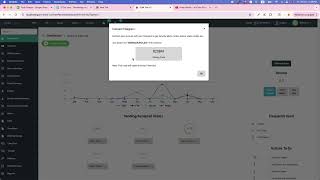
Telegram Admin Setup
The video shows how to setup Telegram for Admin account

How to Create API Key In Binance
@gsmtoolv2 Channel is best resource for tutorial videos on the latest and coolest stuff in GSM Tool v2

Binance C2C Payment
How to add Binance C2C payment method in GSM Tool v2

Coupon Codes in Orders form
Coupon Codes feature has been added in the order form as per request from the our clients. This video describes how to enable the coupon codes in the website.

GSM Tool v2 - Dark Mode
How to enable Dark Mode in client panel
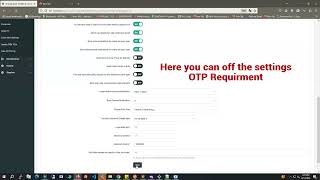
Login Authentication Settings

Settings for Enabling Security setting of Wrong Login attempt blockage
You can block hackers trying to login using different password combination.
More content on
GSM Tool V2 YouTube Channel
New tutorials and feature walkthroughs are published regularly. Subscribe so you never miss an update.
Subscribe – It's Free